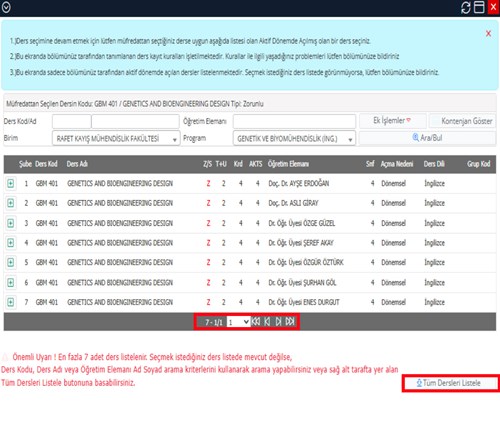
Information on the Course Registration Screen View
In the Student Information System course registration screen, for courses with multiple sections (such as the Graduation Project course), it is possible to view other sections of the relevant course by using the “List All Courses” button.
During the course registration process, students are advised to use this button to review the available sections before selecting a course with multiple sections.
A sample screenshot of the course registration screen is provided below.